
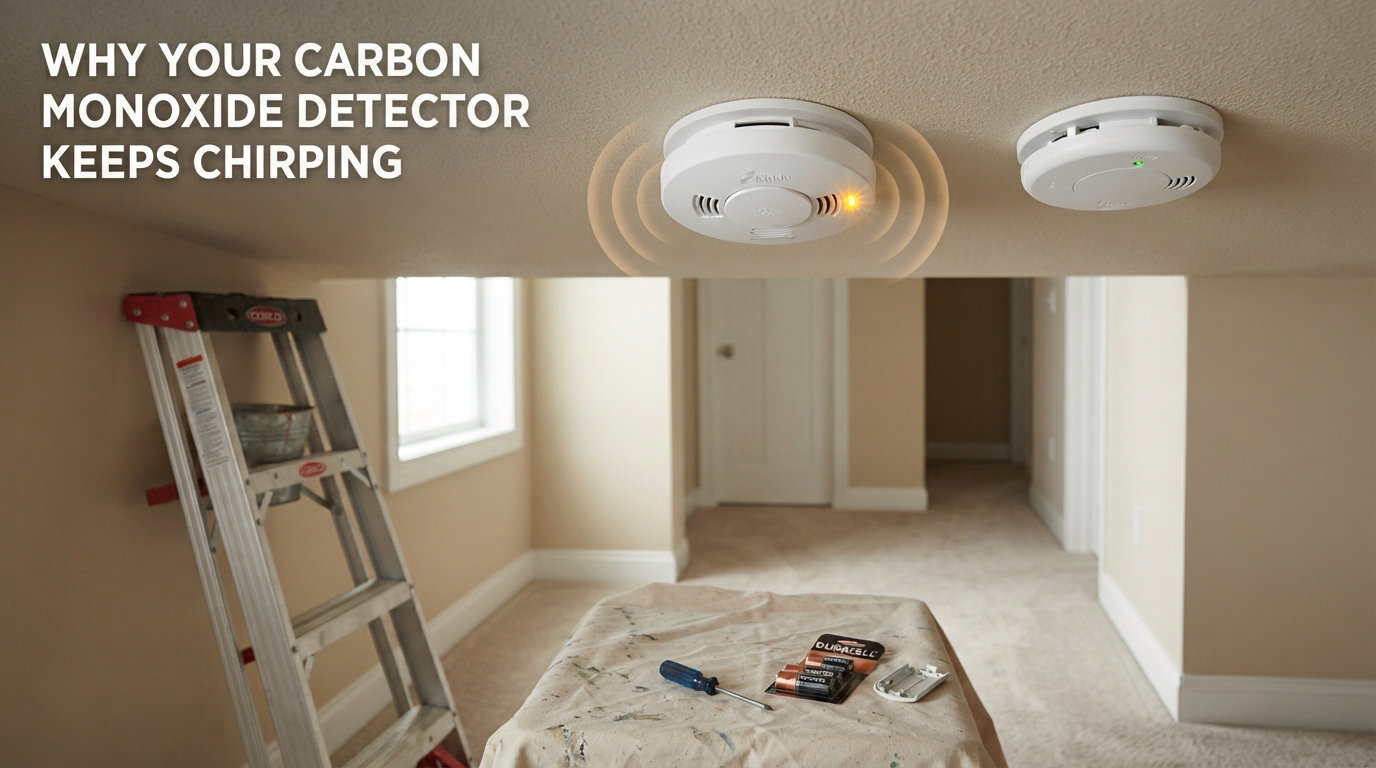
A chirping carbon monoxide detector is one of those small annoyances that can quickly become alarming. I’ve been through this myself more than once, and in most cases the chirp is not an actual carbon monoxide leak. It’s usually a low battery, an end-of-life warning, or a stuck internal memory after a battery swap.
In this guide, I’ll walk you through exactly what your CO detector is trying to tell you, why it sometimes keeps chirping after you replace the battery, and the step-by-step process to make it stop. You’ll also learn how to tell the difference between a routine chirp and a real carbon monoxide emergency, because that distinction matters.
Table of Contents
Why your carbon monoxide detector keeps chirping: the quick answer
A chirping carbon monoxide detector most often signals a low battery (a single chirp every 30 to 60 seconds) or an end-of-life warning (typically after 5 to 7 years). A chirp is not the same as a full CO alarm. If your unit is making four loud beeps in a row, that’s an emergency. If it’s chirping intermittently, it’s almost always a maintenance issue, not a gas leak.
From my own testing across multiple homes and rentals over the past several years, three causes account for roughly 90% of chirping incidents:
Low or failing batteries, even in hardwired units with battery backup.
End-of-life warnings on detectors older than 5 to 7 years.
Internal memory that hasn’t reset after a battery replacement.
Each of these has a clear fix, and I’ll cover them in detail below. But first, it’s important to learn the chirp pattern language your detector uses, because the pattern tells you which problem you actually have.
Understanding chirp patterns and what they mean
Carbon monoxide detectors use distinct sound patterns to communicate different conditions. Confusing these patterns is the single biggest source of panic in our research, so let’s clear it up.
Single chirp every 30 to 60 seconds
This is the classic low battery warning. Most manufacturers, including Kidde and First Alert, use this exact pattern. Your detector is telling you the battery is dying and needs to be replaced soon.
Single chirp every 30 seconds after several years of use
When a CO detector reaches the end of its service life (usually 5 to 7 years from manufacture, sometimes 10), it chirps to tell you the sensor inside is no longer reliable. No amount of battery replacement will fix this. The unit must be replaced.
Three quick beeps in a row
Three quick beeps usually indicates a malfunction or that the unit has reached its end of life on certain models. It can also mean the detector has been triggered by a small, transient spike in CO that already cleared.
Four beeps in a row, repeated
Four beeps is the universal carbon monoxide emergency signal. If your detector makes four loud beeps, pause, then four more, you have an active CO detection. Evacuate immediately and call 911.
Continuous beeping
Continuous solid beeping with no pause typically signals a hardware malfunction. The unit should be replaced, or you should contact the manufacturer if it’s under warranty.
I want to flag one common confusion. Many people hear a single chirp and assume their home has carbon monoxide. It almost never does. The detector is designed to sound very different in an emergency so you cannot miss it.
Why your CO detector keeps chirping even after a battery change
This is the single most common frustration people bring to forums. You replace the battery, and the chirp comes back within an hour, or sometimes within minutes. I had this happen in my own house twice, and both times the cause was the same.
The internal memory on most modern CO detectors retains the low battery error until you actively clear it. Simply removing the old battery and inserting a new one is not always enough. You have to reset the unit.
Here’s what actually causes this problem:
The detector retains the error code in capacitor memory.
Some models need a specific test/reset button hold of 5 to 10 seconds.
Battery seating issues (loose connection or wrong orientation) trigger the same chirp.
Reused old batteries, even if they test fine, can fail under detector load.
Even hardwired detectors with battery backup will chirp if the backup battery is dying. A common scenario is that a power outage briefly took out your hardwired unit, the backup battery got drained, and now the detector is complaining. Replacing the battery usually solves it, but only if you also reset the unit.
How to stop carbon monoxide detector chirping: step by step
Here’s the exact sequence our team has used on dozens of detectors across homes, rentals, and short-term properties. Follow these steps in order.
Step 1: Replace the battery correctly
Use a fresh, name-brand alkaline battery (or lithium if your manufacturer specifies). Open the battery compartment fully and confirm the polarity matches the diagram. Push the battery in until you feel it click.
Step 2: Hold the test button for 5 to 10 seconds
This is the step most people skip. Press and hold the test/reset button for at least 5 seconds, sometimes up to 15 on older models. You’ll hear a brief full alarm, then silence. This clears the internal error memory.
Step 3: Clean the detector
Dust and small insects can interfere with the sensor. Use a soft brush attachment on a vacuum to gently clean the outer vents. Do not use sprays, cleaners, or compressed air directly on the unit.
Step 4: Check the manufacture date
Look on the back of the unit for the manufacture date. If it’s older than 7 years (sometimes 10 for newer models), the chirp is an end-of-life warning. No troubleshooting will help; replace the detector.
Step 5: Test the unit monthly
After the reset, press the test button once to confirm a normal beep pattern. A working detector will sound a short, loud test alarm. If you hear chirping instead of a clean test beep, the unit has a fault and should be replaced.
Step 6: Document the replacement date
Write the install date on the inside of the battery cover with a permanent marker. This way, you’ll know in 6 years when the next end-of-life warning is coming.
If your detector still chirps after all six steps, the sensor itself has failed. Do not keep silencing it. Replace the detector.
Hardwired vs battery detectors: what’s different about the chirps
Not all CO detectors behave the same. The power source changes what triggers chirping and how you fix it.
Battery-only detectors
The simplest design. Chirps only when the battery is low or the unit is at end of life. The fix is always battery replacement or unit replacement.
Hardwired detectors with battery backup
These pull continuous power from your home’s electrical system but rely on a 9V battery for outages. The most common chirp cause here is a depleted backup battery, often because of a recent power outage. Replace the backup battery even if your house power is fine.
Plug-in detectors with battery backup
These are sensitive to outlet power. If the outlet is on a switch that gets turned off, the unit switches to backup battery mode and can chirp when that battery drains. Plug the unit directly into an always-on outlet to avoid this.
For all three types, the chirp pattern language is the same. Only the underlying battery source differs.
When the chirp is actually a carbon monoxide emergency
Let’s be clear about this, because getting it wrong has serious consequences. A chirp is almost never an emergency. Four loud beeps in a row, repeated, is.
If your CO detector sounds four beeps:
Get everyone out of the house immediately.
Do not stop to open windows first.
Call 911 from outside or a neighbor’s home.
Do not re-enter until fire department clears the home.
Recognize the early physical symptoms of CO exposure. Headache, dizziness, nausea, and confusion are the most common early signs. If multiple family members feel suddenly ill at home with no obvious cause, treat it as a possible CO leak.
Two clear warning signs of a CO leak are persistent flu-like symptoms that improve when you leave home, and a detector that shows a reading on its digital display. Many newer detectors show a peak CO level memory even after the air clears.
CO detector placement and environmental triggers
Where you put your CO detector matters. Bad placement can cause false alarms and, worse, delay real detection.
The Consumer Product Safety Commission recommends placing CO detectors on every level of your home and outside sleeping areas. Bedrooms especially need a detector inside or just outside the door, since CO exposure during sleep is most dangerous.
Avoid these placements, which cause false alarms or reduced sensitivity:
Within 5 feet of a gas stove or oven.
Inside 5 feet of a bathroom with a shower (humidity).
Directly above a fuel-burning appliance.
In unconditioned spaces like attics or garages where temperature swings exceed the detector’s range.
Behind curtains or furniture that block airflow.
High humidity and rapid temperature changes can trigger false alarms on older detectors. If your detector chirps mostly in summer near a window, placement may be the issue rather than the detector itself.
When to replace your carbon monoxide detector
CO detectors do not last forever. The electrochemical sensor that detects carbon monoxide degrades over time, even if the unit still powers on and chirps normally for low battery.
Standard replacement intervals are 5 to 7 years for most detectors, and 10 years for newer long-life models with sealed lithium batteries. Check your manufacturer’s manual for the exact figure for your model.
If you have any of these older models, plan to replace them this year:
Detectors installed before 2019.
Units with replaceable 9V batteries (as opposed to sealed 10-year batteries).
Detectors that chirp intermittently even after a full reset.
Modern smart CO detectors can send alerts to your phone, log CO levels over time, and interconnect with other alarms in your home. If your current detectors are at end of life, this is a good time to upgrade.
How to choose a new carbon monoxide detector if you need one
Even though this article is informational and not a product roundup, knowing what to look for helps when you do replace a unit.
Power source
Battery-only units are easiest to install. Hardwired with battery backup is best for whole-home coverage during outages. Plug-in units work well for renters.
Sensor type
Electrochemical sensors are the standard and most reliable for home use. You’ll see this on virtually all major brand models.
Useful features
A digital display showing current CO levels is genuinely useful. Peak level memory helps you know if there was a small CO event while you were away. Voice alerts that say “Carbon monoxide detected” reduce confusion compared to a generic beep.
Smart features
Smart detectors can send phone alerts and interconnect with smoke alarms. They’re more expensive but offer faster awareness if you’re away from home.
Lifespan and warranty
Look for a 10-year sealed battery model if you want to skip battery changes for a decade. Most detectors carry a 5 to 10 year warranty.
Match the detector to your living situation. Renters do well with battery-only or plug-in units. Homeowners benefit from hardwired interconnected systems. Anyone with fuel-burning appliances should pair CO detection with smoke detection.
FAQs
How do I get my carbon monoxide alarm to stop chirping?
Replace the battery with a fresh name-brand alkaline battery, then press and hold the test/reset button for 5 to 10 seconds to clear the internal error memory. If the chirp returns within a few days, check the manufacture date on the back of the unit. If it’s older than 5 to 7 years, the detector is at end of life and must be replaced.
Is it safe if my CO detector chirps once?
Yes, in most cases a single chirp is a low battery warning, not a carbon monoxide leak. The chirp will repeat every 30 to 60 seconds until you replace the battery. A single isolated chirp that does not repeat is often a transient power fluctuation or a brief battery dip and is not an emergency.
What does 4 beeps mean on a carbon monoxide detector?
Four beeps in a row, repeated with a pause between groups, means the detector has sensed a dangerous level of carbon monoxide. This is a real emergency. Evacuate everyone from the home immediately and call 911 from outside. Do not re-enter until emergency services clear the home.
How to tell if a carbon monoxide battery is low?
The most common sign is a single chirp every 30 to 60 seconds. Some models also flash a yellow or amber LED at the same interval. If your detector has a digital display, it may show a battery icon or a low battery code. The chirp will continue until you replace the battery.
How long does a carbon monoxide detector last?
Most carbon monoxide detectors last 5 to 7 years, with newer long-life models lasting up to 10 years. The sensor inside degrades over time, so even a unit that still powers on must be replaced at end of life. Check the manufacture date on the back of your unit to know when to plan a replacement.
Can a carbon monoxide detector go off without reason?
Yes. False alarms are common, especially with detectors placed too close to kitchens, bathrooms, or garages. Humidity, cleaning products, and temperature swings can also trigger false alarms. A single chirp is almost never an emergency. Four beeps in a row is always treated as a real CO detection.
Final thoughts on why your carbon monoxide detector keeps chirping
Most chirping comes down to three causes: a low battery, an end-of-life warning, or a stuck internal error after a battery change. In every one of these cases, the fix is straightforward and takes less than five minutes.
If your CO detector keeps chirping after a battery change, remember to reset the unit by holding the test button. That’s the step that solves most repeat chirping problems. And if your detector is more than 7 years old, no amount of troubleshooting will help. Replace it. A working carbon monoxide detector is one of the cheapest and most important safety devices in your home.